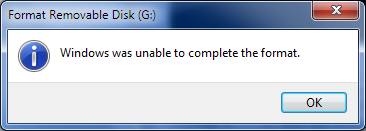
If you are getting this error then most likely the drive you wish to format is making use of a file system that is unknown to Windows. In my case I come across this error because I tend to boot different OS from USB drives and they use file systems that are unknown to Windows.
In order to make the USB drive usable again you will need to make light use of the command line with tools provided by Microsoft.
How To Fix Using Command Prompt
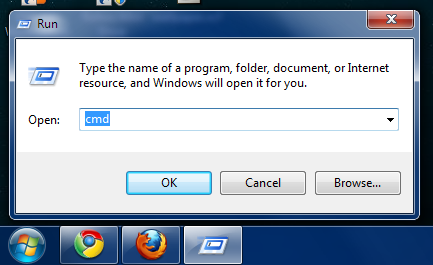
Start by opening a new Command Prompt.
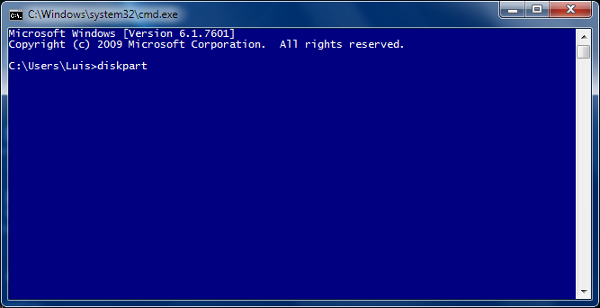
Type diskpart.
Diskpart will help us find and select the drive that refuses to format. In the screenshot below my 512MB USB drive was recognized as Disk 4.
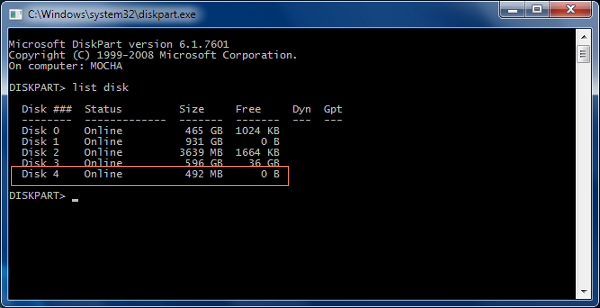
Type select disk 4.
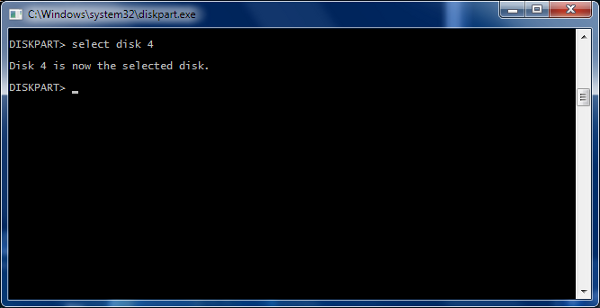
Type clean.
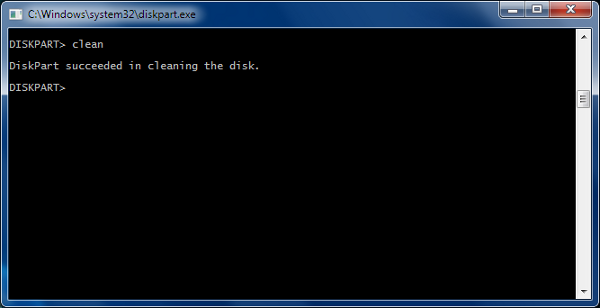
Let’s create the primary partition by typing create partition primary.
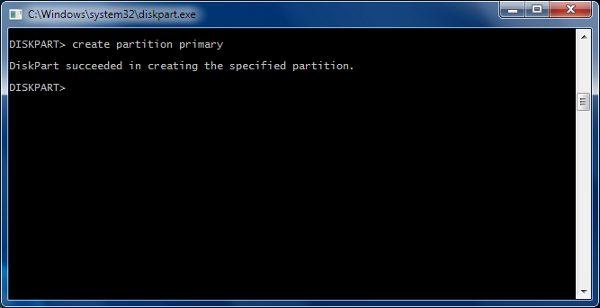
Format the drive using FAT32, format fs=fat32 quick. Include the word quick, otherwise the process will take longer.
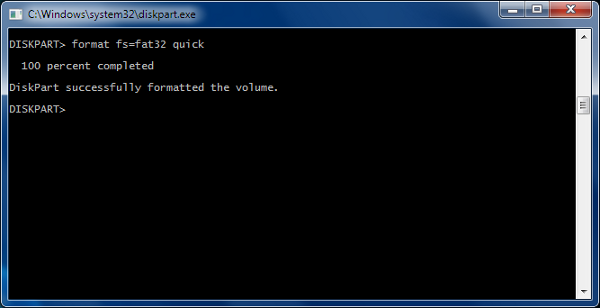
And assign.
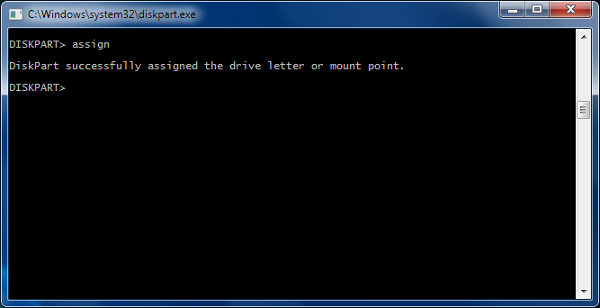
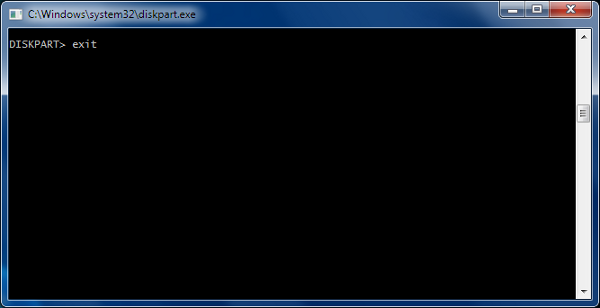
Now that we are done type exit.
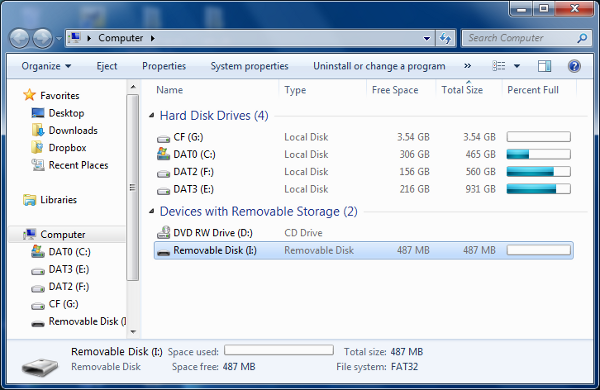
Because the drive was formatted using FAT32 Windows now recognizes the 512MB USB Drive.
Hopefully, you found this tutorial easy to follow. If you have any questions leave a comment below and I will reply as soon as possible.

0 comments:
Post a Comment